 LoonaMed
Products/LoonaMed CT
CT review,
quantified.
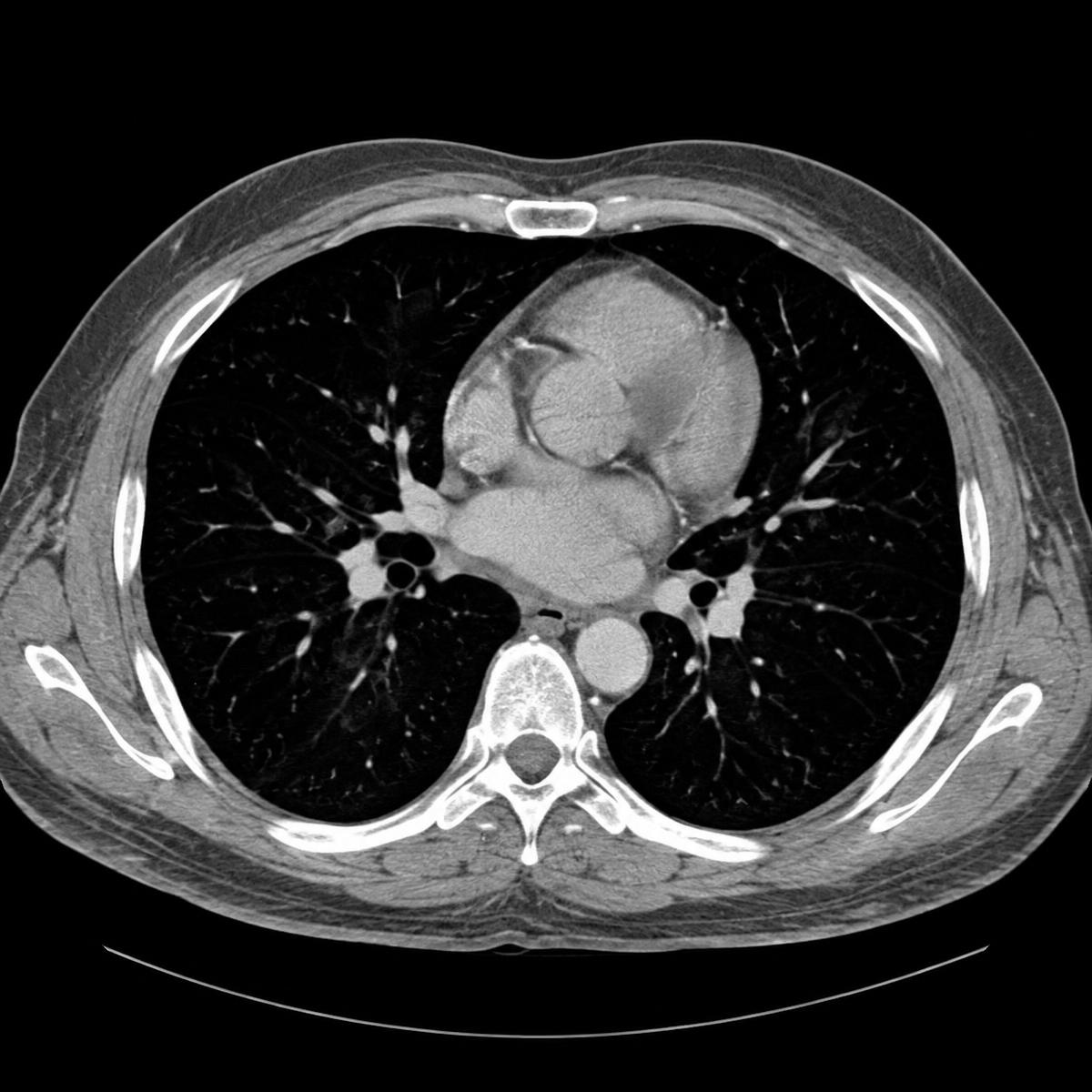
Load a CT study and LoonaMed CT outlines the key structures, measures them and flags the slices worth a closer look — you review, adjust and sign off.
- Input
- CT volume (DICOM)
- Output
- Segmentation & measurements
- Control
- Every contour editable
How it works
From volume to findings.
R lungL lungHeartAorta28.6 mmStructures
- Right lung—
- Left lung—
- Heart—
- Desc. aorta—
Measurements
| R lung vol. | — | |
| L lung vol. | — | |
| Heart vol. | — | |
| Desc. aorta | — | < 30 |
| Lung density | — |
Flagged
2 slices · SL 088, 171
CT summary
Study 1187
Generated automatically · Pending clinician review
Segmentation
Lungs, heart and descending aorta outlined on 240 slices
Measurements
Descending aorta 28.6 mm · within reference
Flagged
2 slices marked for closer review
What's inside
Everything LoonaMed CT does,
in one focused tool.
Segmentation of key structures
Organs and major vessels are outlined across the whole volume, slice by slice, as soon as the study is loaded.
Quantitative measurement
Volumes, diameters and densities are computed from the contours and shown next to the reference values you use.
Slice-level findings
Slices that deserve a closer look are flagged on the stack, so you can jump straight to them instead of scrolling.
Comparison with prior studies
Load an earlier scan of the same patient and see how measurements have changed between the two studies.
Structured reports
Contours, measurements and flagged slices come together in a clear report, ready to review and export as PDF.
Clinician stays in control
Edit any contour and every dependent measurement updates instantly — nothing is final until you sign off.
More from LoonaMed
Contact
Bring your next study.
Send us a few anonymised CT studies and we'll show you LoonaMed CT working on your own cases.